Your Source Code
Clear repository handover
Connect WhatsApp Business API messaging to customer workflows with consent. Automate appointment booking, lead qualification and direct CRM synchronization.
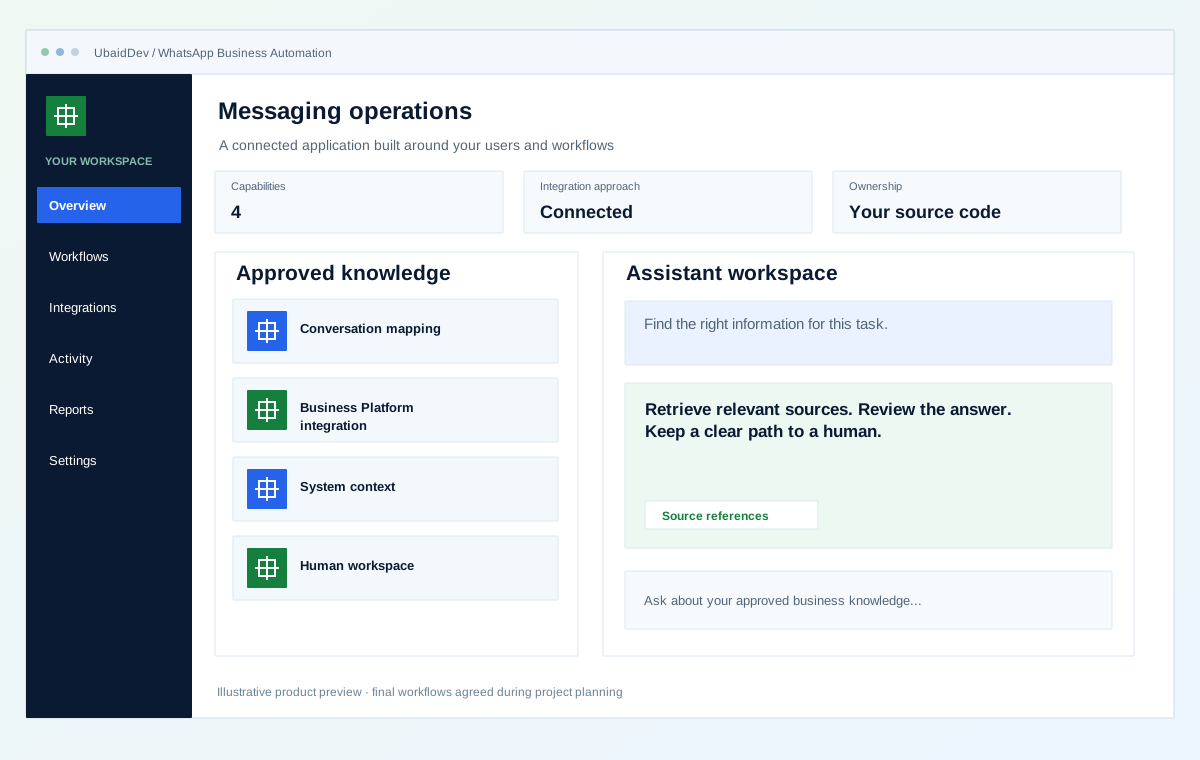
Clear repository handover
Integrations scoped to your tools
Validate each delivery phase
Documentation and onboarding
Define the result you need from whatsapp business automation, then review it against real workflows.
Opt-in source, status, preferences, and stop requests stay attached to the contact workflow.
Routing uses the current customer and operational context rather than forwarding an isolated message.
Templates, delivery state, retries, and handoff are visible to the operating team.
Choose the capabilities that fit your first release and the way your business works.
Entry points, consent, templates, session behavior, and handoff states are defined.
Webhook verification, message state, retries, and approved API calls are implemented.
CRM, order, booking, or support data is retrieved through bounded integrations.
Queues, assignment, context, and status let a person take over clearly.
Interactive operational simulation for whatsapp business automation. Walk through the operational stages to inspect data contracts, user actions, and backend verification hooks before kickoff.
Illustrative screens and sample measurements. These are not live results or performance guarantees.
Hi, our sales team needs an automated CRM pipeline and WhatsApp catalog integration. What is your turnaround time?
10:42 AMHello! A standard milestone delivery takes 2 to 4 weeks with 100% source code ownership.
Stage 1 of 3 · Opt in
Entry points, consent, templates, session behavior, and handoff states are defined.
Webhook verification, message state, retries, and approved API calls are implemented.
CRM, order, booking, or support data is retrieved through bounded integrations.
Agree on the workflows, review points and release checks before implementation begins.
Roles, authentication and data handling follow the agreed application scope.
Your repository and technical documentation are part of the delivery plan.
Review realistic scenarios, integrations and recovery paths before launch.
Validate the work in planned phases with clear owners and acceptance criteria.
Review the current problems and the people who need the system before selecting features.
Map the customer journey, the messages it needs and the records behind those messages. Clarify consent handling, operator handoff and where conversation history belongs. Plan what a person sees when an automated step cannot finish or the customer asks for help.
A booking enquiry may collect a preferred date and then pass to an operator for confirmation. The operator needs the information already provided, the status of the request and a clear way to continue the conversation.
Review the complete handoff and delivery-failure paths. Confirm current platform requirements during implementation and test with approved business accounts.
Connect one agreed customer journey with the necessary templates, consent records, business-system updates and human handoff. Test failed delivery and responses that need a person.
Additional journeys, languages and team routing can follow once the initial conversation and support responsibilities are clear.
A transparent process with decisions and handover planned at each stage.
Document opt-in sources, purposes, templates, and stop behavior.
Design routing, context lookup, replies, notifications, and handoff.
Connect approved systems with verified webhooks and duplicate protection.
Test message states, exceptions, agent takeover, and template changes.
Select the stack and connections around your environment, data and delivery requirements.
Confirm the final deliverables and ownership terms in the project scope.
WhatsApp Business Platform integration
Consent and template workflow
CRM or operations context connectors
Human handoff queue and channel runbook
See how a business requirement becomes a practical system, with a clear scope and checks your team can review.
AI assistance & connected operations
Automate the routine. Keep people in control.
Fictional scenario name · Proposed implementation · Concept artwork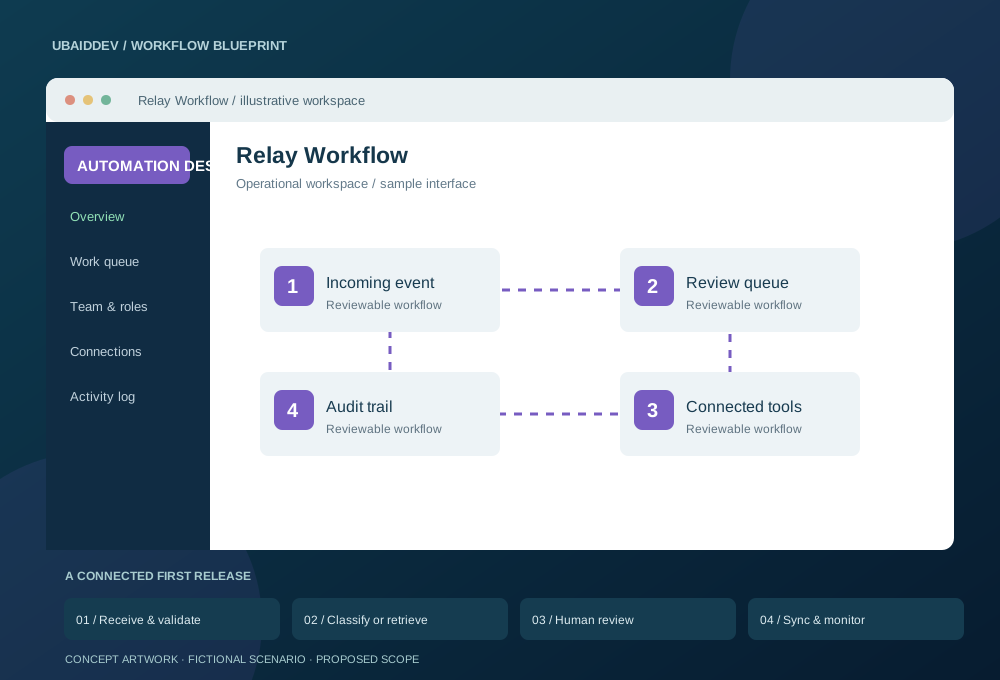
Operations staff copy enquiry details between tools and manually sort incoming documents. Exceptions need human judgement, but repetitive work should not hide the next action.
Use scoped API credentials, deduplication keys and bounded retries. Retrieved answers cite approved documents; uncertain or sensitive actions route to a reviewer. Messaging requires approved templates and appropriate consent.
Track review corrections, failed executions and manual handling time; evaluate AI answers against an agreed reference set.
Targets, baseline, timeline and commercial scope are agreed during discovery.
Agree working-hour overlap, written English updates, staging reviews, migration responsibilities and support scope. Confirm repository access, deployment documentation and ownership terms before work begins.
Choose a delivery tier, functional modules, integrations, and timeline to see an indicative range before discovery.
Explore the range without sharing your email. We confirm the final scope and price after reviewing your requirements.
Count a complete task, such as booking, invoicing or approving a request, as one workflow.
These selections travel with your brief. The range below is calculated from the tier, workflow count, connected systems and delivery pace.
This planning range uses the selected scope inputs. Final deliverables, exclusions, and milestone prices are confirmed in writing.
This does not place an order. We review the configuration and reply with the confirmed scope and milestone proposal.
Answers about scope, integrations, delivery and ownership.
Yes. The business owns its approved account, phone number, templates, and provider relationship. We build against that supported access.
Yes, where an approved interface exists. Context and updates use validated API actions rather than free-form model access.
Yes. Handoff includes assignment, recent context, message history, and a clear automation pause or resume state.
Share your requirements and get a clear scope, delivery plan and quote.