Your Source Code
Clear repository handover
Capture, qualify and convert inbound leads automatically through WhatsApp messaging. Sync chat history, customer intent and deals directly into your sales CRM.
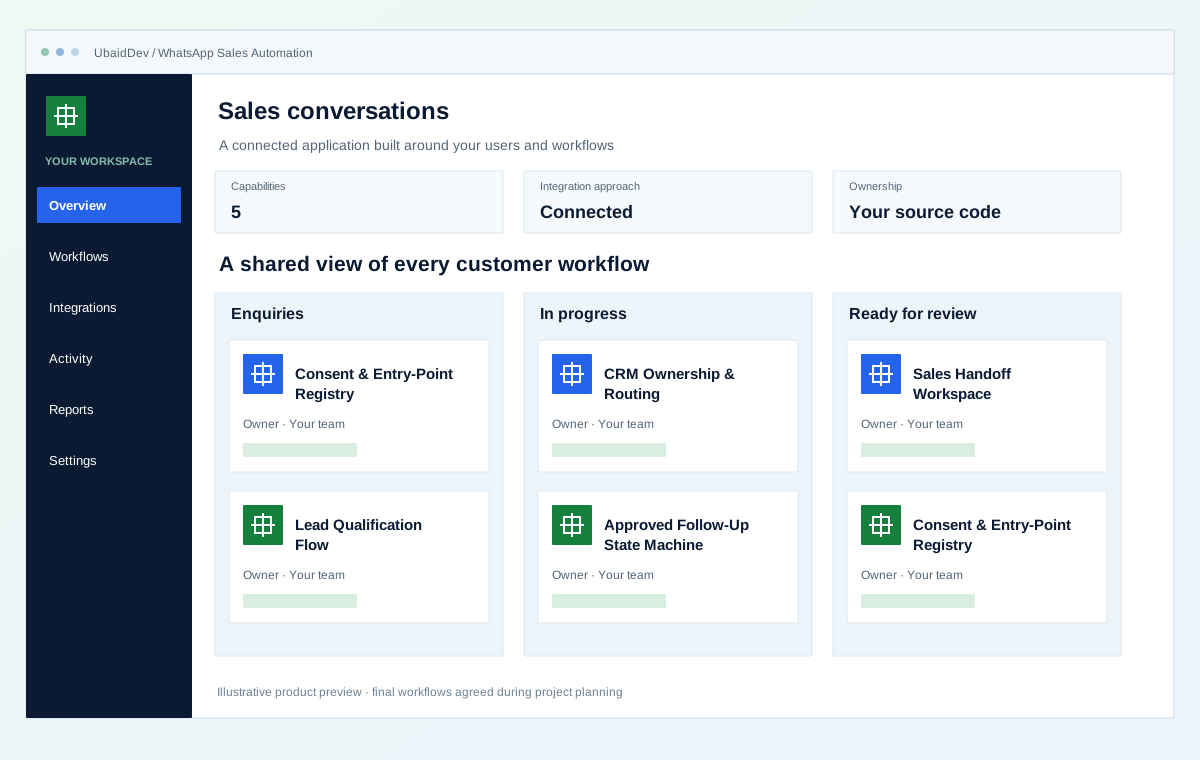
Clear repository handover
Integrations scoped to your tools
Validate each delivery phase
Documentation and onboarding
Define the result you need from whatsapp sales automation, then review it against real workflows.
Use approved questions and validation rules before deciding ownership or next action.
Assign leads by explicit business rules and carry the qualification history into the CRM.
Tie approved templates to consent-aware lead states, opt-out handling, and frequency controls.
Choose the capabilities that fit your first release and the way your business works.
Record approved campaign entry points, opt-in context, template eligibility, and opt-out state.
Collect only the information required to determine fit, urgency, product, and next action.
Create or update a lead and assign it by territory, product, account, or availability rules.
Schedule policy-compliant template messages from explicit lead states rather than uncontrolled outreach.
Give the representative the conversation, qualification answers, consent state, and suggested next action.
Interactive operational simulation for whatsapp sales automation. Walk through the operational stages to inspect data contracts, user actions, and backend verification hooks before kickoff.
Illustrative screens and sample measurements. These are not live results or performance guarantees.
Hi, our sales team needs an automated CRM pipeline and WhatsApp catalog integration. What is your turnaround time?
10:42 AMHello! A standard milestone delivery takes 2 to 4 weeks with 100% source code ownership.
Stage 1 of 3 · Consent
Record approved campaign entry points, opt-in context, template eligibility, and opt-out state.
Collect only the information required to determine fit, urgency, product, and next action.
Create or update a lead and assign it by territory, product, account, or availability rules.
Agree on the workflows, review points and release checks before implementation begins.
Roles, authentication and data handling follow the agreed application scope.
Your repository and technical documentation are part of the delivery plan.
Review realistic scenarios, integrations and recovery paths before launch.
Validate the work in planned phases with clear owners and acceptance criteria.
Review the current problems and the people who need the system before selecting features.
Capture, qualify and convert inbound leads automatically through WhatsApp messaging. Sync chat history, customer intent and deals directly into your sales CRM.
Illustrative operating states. Current measurements and acceptance criteria are confirmed during discovery.
These rows are conversation aids, not measured client results. We replace them with your current baseline, desired state, owner, and acceptance test before implementation begins.
During discovery, each row receives a current measurement, target, data owner, test method, and sign-off condition. Until then it remains illustrative scope.
Representatives ask the same intake questions in unstructured chat
An approved flow captures required answers and offers human help
Messages are forwarded manually between products, locations, or teams
Routing rules assign ownership and record the reason in the CRM
Reminders depend on personal notes and message history
Approved templates follow explicit lead states, consent, and frequency rules
A transparent process with decisions and handover planned at each stage.
Map entry points, qualification questions, ownership, templates, opt-out behavior, and platform constraints.
DiscoveryReview branching questions, validation, human-help paths, CRM fields, and representative handoff.
PrototypeConnect WhatsApp Business Platform, CRM records, routing rules, approved templates, and audit events.
BuildTest consent, opt-out, duplicate, routing, template, and handoff scenarios before bounded release.
LaunchSelect the stack and connections around your environment, data and delivery requirements.
Confirm the final deliverables and ownership terms in the project scope.
Consent, entry-point, qualification, and ownership map
WhatsApp Business Platform conversation workflow
CRM synchronization, routing rules, and representative inbox
Approved-template state machine, test scenarios, and operating runbook
See how a business requirement becomes a practical system, with a clear scope and checks your team can review.
B2B sales & professional services
From first enquiry to an accountable next step.
Fictional scenario name · Proposed implementation · Concept artwork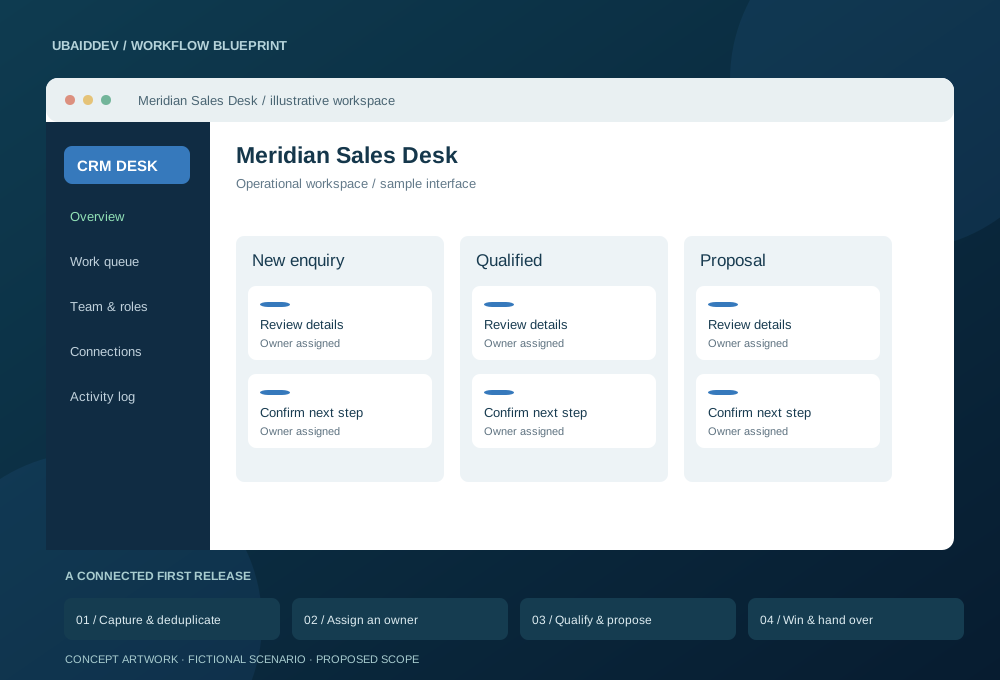
Enquiries arrive through forms, email and sales conversations. Ownership is unclear, follow-ups live in personal calendars and proposal versions become difficult to trace.
Match duplicates using agreed business identifiers. Queue reminders with retry limits and keep consent, message delivery and proposal changes in an audit trail. Store timestamps in UTC and display the user’s time zone.
Compare first-response time, overdue follow-ups and qualified-lead-to-proposal rate before and after rollout.
Targets, baseline, timeline and commercial scope are agreed during discovery.
Agree working-hour overlap, written English updates, staging reviews, migration responsibilities and support scope. Confirm repository access, deployment documentation and ownership terms before work begins.
Choose a delivery tier, functional modules, integrations, and timeline to see an indicative range before discovery.
Explore the range without sharing your email. We confirm the final scope and price after reviewing your requirements.
Count a complete task, such as booking, invoicing or approving a request, as one workflow.
These selections travel with your brief. The range below is calculated from the tier, workflow count, connected systems and delivery pace.
This planning range uses the selected scope inputs. Final deliverables, exclusions, and milestone prices are confirmed in writing.
This does not place an order. We review the configuration and reply with the confirmed scope and milestone proposal.
Answers about scope, integrations, delivery and ownership.
Yes. Entry-point and consent context can be stored with the conversation, while opt-out states prevent further automated follow-up. The final policy depends on your approved use case and WhatsApp Business Platform requirements.
Yes. Routing rules can use validated qualification answers, account ownership, product, region, language, and team availability, with the assignment reason recorded for review.
No. The intended design uses approved templates, explicit lead states, consent checks, frequency controls, opt-out enforcement, and human ownership. It is not a tool for unsolicited bulk outreach.
Share your requirements and get a clear scope, delivery plan and quote.