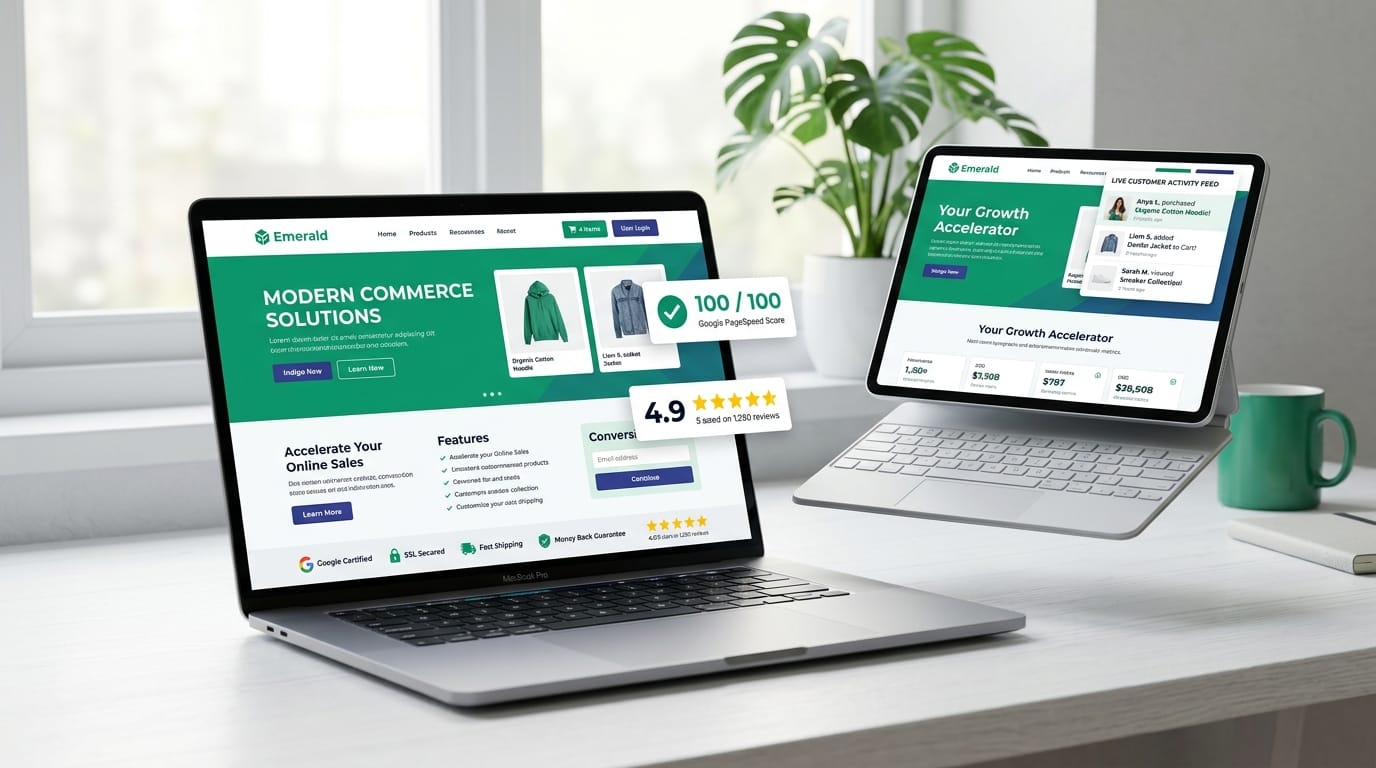
Why Your CMS Choice Decides Whether Your Website Makes Money or Loses Leads
A Content Management System (CMS) is the engine behind your website. It allows your marketing and sales team to publish blogs, update products, modify landing pages, and launch campaigns without writing code. However, relying on traditional bloated CMS platforms (like monolithic WordPress with 40+ plugins) costs growing companies up to 53% of mobile customers due to 5-second load times and security vulnerabilities. Modern Headless CMS decouples content from the frontend, delivering sub-second page loads, 100/100 Core Web Vitals, and an average 32% boost in inbound lead conversions.
1. CMS Kya Hota Hai? (Content Management System Explained in Plain Business Terms)
Imagine you run a thriving retail company or B2B consultancy. Every time you want to announce a new festival offer, publish an industry case study, or change a service price on your website, you have two choices:
- The Expensive Way: Call a freelance software developer, wait 3 days, pay an hourly invoice, and hope they don't break your site layout.
- The Smart Way (CMS): Open a clean, secure admin portal, type your announcement, click "Publish", and watch your website update across the world in 5 seconds.
CMS (Content Management System) ek aisa software application hota hai jo non-technical business owners aur marketing teams ko bina kisi HTML, CSS, ya coding knowledge ke website ka content create, manage, edit, aur publish karne ki power deta hai.
A modern CMS gives you:
- WYSIWYG / Block Editors: Intuitive drag-and-drop or visual block editors where writing a blog post feels as natural as writing a Google Doc.
- Asset Library: Centralized storage for your high-res banners, client logos, videos, and PDFs with automatic image optimization.
- Role-Based User Permissions: Content writers can draft articles, editors can review, and administrators can approve publishing with zero risk of database corruption.
- Automated SEO Metadata: Custom meta titles, OpenGraph preview cards for WhatsApp and LinkedIn, and automatic XML sitemap generation.
Illustrative CMS decision: plugin maintenance versus a separate frontend
Consider a business whose content site also handles appointment forms. Before rebuilding it, inventory plugins, update ownership, hosting, accessibility and form error logs. A well-maintained WordPress deployment may be the appropriate solution. A headless frontend adds deployment, preview, caching and integration work; it is justified when those boundaries solve a specific problem.
Compare the current page metrics and booking completion rate before any migration. Rehearse content URLs, redirects, editor previews and form delivery on staging. Measure the same traffic and devices after release. Faster rendering does not by itself establish an increase in bookings, and this scenario is not a measured UbaidDev client case study.
3. Technical Breakdown: Headless CMS vs Traditional Monolithic CMS
To make the right investment decision for your business, you need to understand how the architecture differs:
┌───────────────────────────────────────────────────────────────────────────────────┐
│                      TRADITIONAL MONOLITHIC CMS (e.g. WORDPRESS)                   │
│   ┌───────────────────────────────────────────────────────────────────────────┐   │
│   │ Tight Coupling: Database + PHP Engine + Frontend HTML + 40+ Heavy Plugins │   │
│   │ Every page request executes 80+ SQL queries on a single overloaded server  │   │
│   └───────────────────────────────────────────────────────────────────────────┘   │
└─────────────────────────────────────────▲─────────────────────────────────────────┘
                                          │ Bottleneck: 4.5s – 8.0s TTFB
┌─────────────────────────────────────────┴─────────────────────────────────────────┐
│                    MODERN HEADLESS CMS ARCHITECTURE (UBAIDDEV)                     │
│                                                                                   │
│   ┌───────────────────────────┐              ┌────────────────────────────────┐   │
│   │ DECOUPLED CONTENT HUB     │              │ HIGH-PERFORMANCE PRESENTATION   │   │
│   │ * Secure Cloud Database   │  REST /      │ * React / Next.js Edge Cache   │   │
│   │ * Visual Markdown Editor  │  GraphQL     │ * Sub-50ms Global CDN Delivery │   │
│   │ * Media Optimization      ├─────────────►│ * 100/100 Core Web Vitals      │   │
│   │ * Zero Public PHP Server  │              │ * Omnichannel App & Web Feeds   │   │
│   └───────────────────────────┘              └────────────────────────────────┘   │
└───────────────────────────────────────────────────────────────────────────────────┘
In a traditional CMS, your content database is glued to the frontend theme. In a Headless CMS, the "head" (the frontend display) is completely separated from the "body" (the content database). Content is delivered as lightning-fast structured JSON via clean APIs.
4. Feature-by-Feature Comparison: Traditional CMS vs Custom Headless CMS
| Evaluation Metric | Traditional CMS (WordPress / Joomla) | UbaidDev Headless CMS Architecture |
|---|---|---|
| Mobile Page Speed | 3.8s – 7.5s (Plugin Bloat) | 0.3s – 0.6s (Instant Global Edge) |
| Security & Hacking Risk | High (Over 90% of web CMS hacks target WP plugins) | Virtually Zero (Read-only static generation, no database exposed) |
| Mobile App Reusability | Impossible without complex unstable REST plugins | Native Single API powers Web, iOS, Android, and Kiosks |
| Ongoing Maintenance Burden | Weekly plugin updates, theme breaking, backup headaches | Minimal maintenance. Hosted on serverless edge for high availability |
| Google Core Web Vitals | Fails INP & LCP without complex caching plugins | Engineered to target high Lighthouse green scores |
| Ownership & Flexibility | Restricted by rigid theme templates | 100% custom UI/UX designed for maximum conversion |
5. Why Scaled Businesses Outgrow Generic Website Builders
When you are just starting out, a free website builder might seem sufficient. But as soon as your business reaches 10,000 monthly visitors, generic systems become an expensive liability:
1. Omnichannel Content Publishing
Publish a new product or article once, and it automatically streams to your website, your customer mobile app, your WhatsApp broadcast catalog, and your partner portals simultaneously.
2. Customized Business Workflows
A custom CMS fits your exact business operations—custom fields for SKU numbers, legal review approval stages, and direct integrations with your inventory or CRM.
3. Lightning-Fast Core Web Vitals
Google prioritizes fast websites. By pre-rendering HTML and serving assets from edge CDN nodes within 20km of your user, bounce rates drop by up to 40%.
4. Zero Per-Seat Licensing Taxes
Unlike commercial enterprise CMSs (like Contentful or Adobe Experience Manager charging $1,500/month), you own 100% of your custom platform with zero recurring software fees.
6. Senior Solutions Architect Verdict & Next Steps
If your website is the primary storefront for your company, treating your CMS as an afterthought is the single costliest mistake in digital strategy. A custom Headless CMS built on modern JavaScript (React / Next.js / Node.js) gives your team the agility to out-market competitors while delivering the sub-second speed that customers demand.
Explore our specialized development pillars to learn how we implement this for growing companies:
- Custom Web Application Development: Turnkey full-stack web platforms engineered for scale.
- Enterprise CRM Solutions: Integrate your content hub with automated lead tracking.
- Technical SEO & Core Web Vitals Optimization: Rank #1 on Google with sub-second page performance.
Ready to Upgrade from Bloated WordPress to a 100/100 Speed Headless CMS?
Talk with our lead software architects for an honest audit of your current CMS speed, database health, and conversion bottlenecks.