Your Source Code
Clear repository handover
Launch fast websites with semantic HTML, modern responsive styling and clean interactions. Built for static brochure sites that require minimal maintenance.
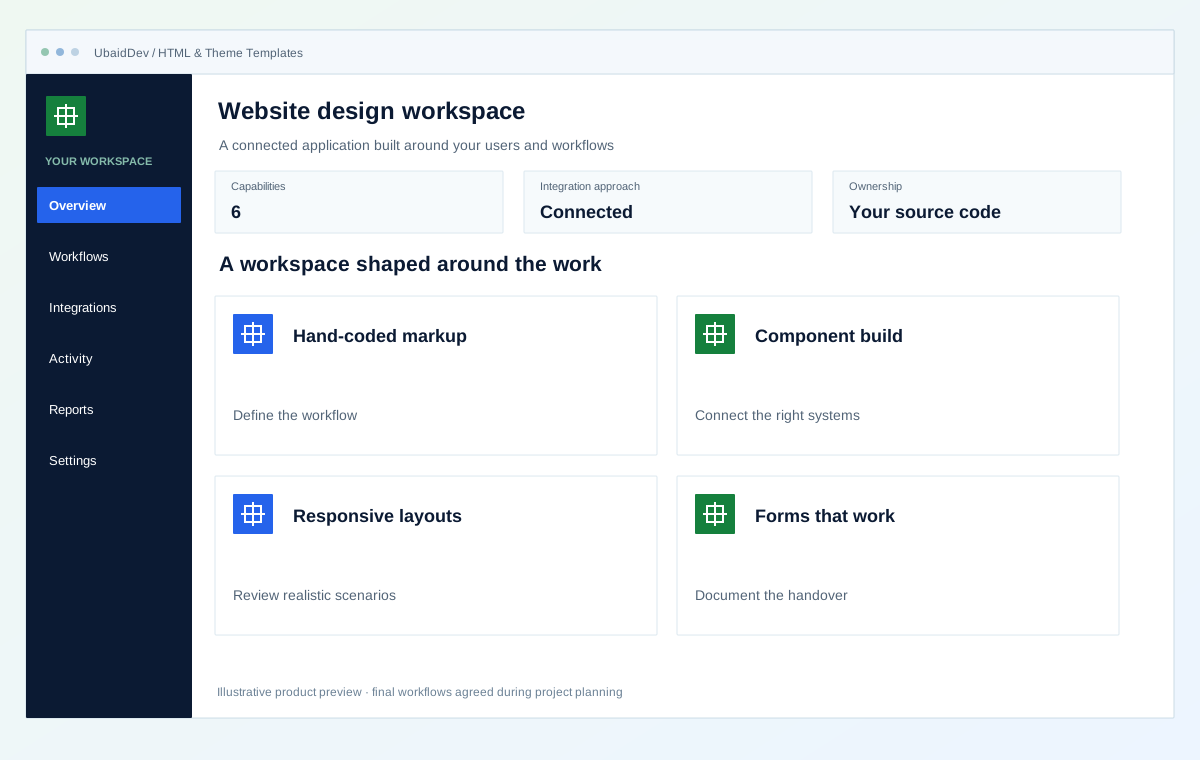
Clear repository handover
Integrations scoped to your tools
Validate each delivery phase
Documentation and onboarding
Define the result you need from html & theme templates, then review it against real workflows.
Static files serve free or near-free from a CDN. There is no server to pay for, patch or monitor.
No database query and no server rendering, which matters for paid traffic where load time changes cost per lead.
No admin login, no plugins, no database. The most common attack routes simply do not exist.
Choose the capabilities that fit your first release and the way your business works.
Semantic HTML and Tailwind, not a modified marketplace template.
Shared header, footer and sections compiled — no copy-paste across files.
Tested at real breakpoints with real content, not just the demo text.
Contact form wired to email or a form service, with spam protection.
Per-page titles and descriptions, Open Graph, sitemap, robots.
Deployed to a CDN with automatic HTTPS.
Interactive operational simulation for html & theme templates. Walk through the operational stages to inspect data contracts, user actions, and backend verification hooks before kickoff.
Illustrative screens and sample measurements. These are not live results or performance guarantees.
Semantic HTML and Tailwind, not a modified marketplace template.
Explore the experience →Stage 1 of 3 · Layout
Semantic HTML and Tailwind, not a modified marketplace template.
Shared header, footer and sections compiled — no copy-paste across files.
Tested at real breakpoints with real content, not just the demo text.
Agree on the workflows, review points and release checks before implementation begins.
Roles, authentication and data handling follow the agreed application scope.
Your repository and technical documentation are part of the delivery plan.
Review realistic scenarios, integrations and recovery paths before launch.
Validate the work in planned phases with clear owners and acceptance criteria.
Review the current problems and the people who need the system before selecting features.
A reusable template needs predictable structure, readable source and clear limits. Plan the page types, navigation states and components a future editor will reuse. Test with realistic text and images so the design does not depend on a perfectly sized sample headline.
An agency using a service template for several clients may need optional pricing, FAQ and case-study sections. Each should work when removed, reordered or filled with longer content without breaking spacing or navigation.
Inspect semantic markup, form states, asset loading and documentation. A useful handover explains component usage and how to replace content without relying on hidden build steps.
Build the agreed reusable page layouts with responsive styling, accessible markup and documented assets. Test representative text lengths, navigation states and forms in the supported browsers.
More page variants, additional themes and connections to a CMS or application can be planned once the base layouts are in use.
A transparent process with decisions and handover planned at each stage.
We work from your real content, because templates break on real content.
Sections built as components, reviewed on a live preview URL.
Real devices, real breakpoints, forms submitted end to end.
Live on your domain with HTTPS and a deploy-on-push setup.
Select the stack and connections around your environment, data and delivery requirements.
Confirm the final deliverables and ownership terms in the project scope.
Full source repository, owned by you
Deployed site on your own domain
Deploy-on-push configured, so future edits go live automatically
Per-page SEO metadata, no duplicates
Lighthouse scores recorded at handover
See how a business requirement becomes a practical system, with a clear scope and checks your team can review.
Business websites & publishing
Turn a service catalogue into a clear enquiry path.
Fictional scenario name · Proposed implementation · Concept artwork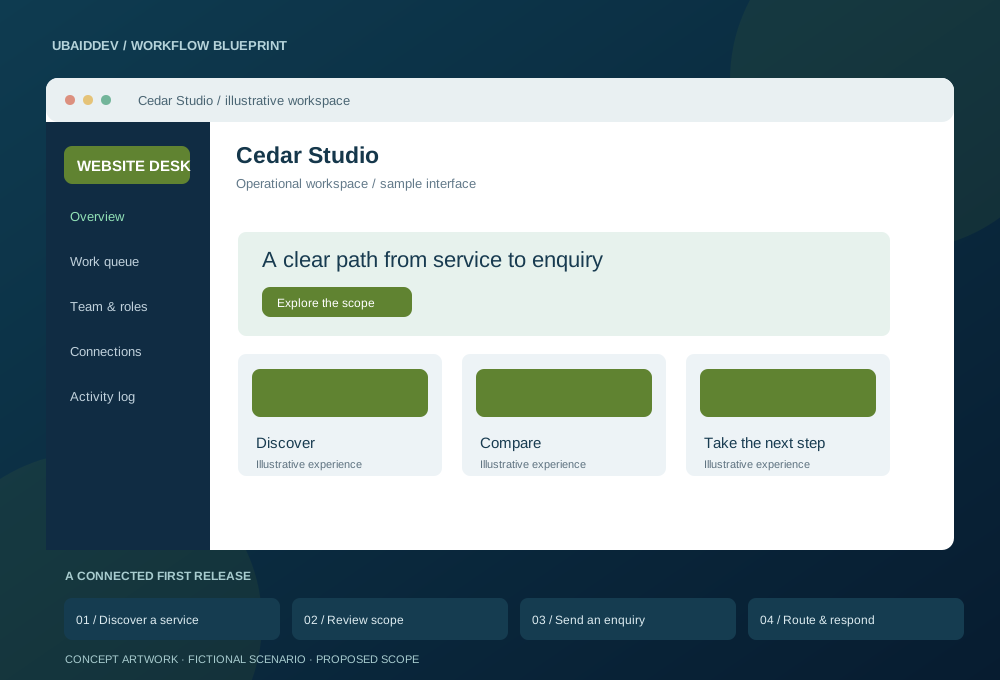
A specialist business needs visitors to understand its offer, review relevant evidence and send a useful enquiry. Its editors also need to update pages without developer help.
Create reusable CMS blocks, editorial roles and preview workflows. Agree URL ownership before migration, map redirects and deliver crawlable page content with appropriately sized media.
Measure qualified enquiries, form completion and organic landing-page performance after launch.
Targets, baseline, timeline and commercial scope are agreed during discovery.
Agree working-hour overlap, written English updates, staging reviews, migration responsibilities and support scope. Confirm repository access, deployment documentation and ownership terms before work begins.
Choose a delivery tier, functional modules, integrations, and timeline to see an indicative range before discovery.
Explore the range without sharing your email. We confirm the final scope and price after reviewing your requirements.
Count a complete task, such as booking, invoicing or approving a request, as one workflow.
These selections travel with your brief. The range below is calculated from the tier, workflow count, connected systems and delivery pace.
This planning range uses the selected scope inputs. Final deliverables, exclusions, and milestone prices are confirmed in writing.
This does not place an order. We review the configuration and reply with the confirmed scope and milestone proposal.
Answers about scope, integrations, delivery and ownership.
Small text edits, yes, if someone is comfortable with a code editor. If content changes often and non-technical people will do it, WordPress is genuinely the better choice and we will say so rather than sell you this.
No. These are built for your content. Buying a marketplace template and editing it is what produces sites nobody can maintain.
For most static sites, nothing — a CDN free tier covers it comfortably. You pay for the domain and that is usually the entire running cost.
Share your requirements and get a clear scope, delivery plan and quote.