Discovery & task analysis
We map the jobs each role actually performs before drawing anything.
Design intuitive interfaces around the tasks your users need to complete. Review navigation, responsive layouts and UI components before development begins.
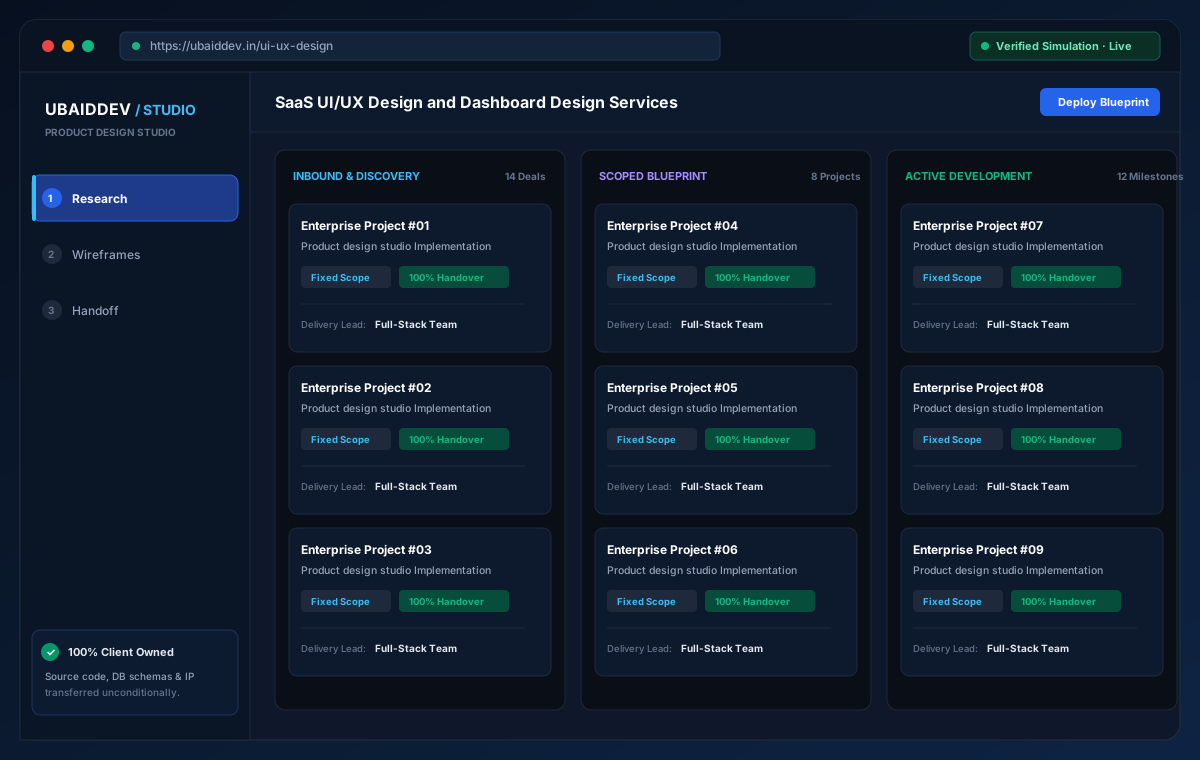
We eliminate speculative quotes and opaque management layers. Every project is scoped directly by the engineers writing the code, adhering to non-negotiable architectural standards, continuous testing, and full code handover.
Edge-distributed static assets and sub-second database query execution.
Zero single point of failure with automated health checks and container failover.
Unconditional repository, database schema, and design token handover.
Direct architecture scoping and sprint delivery without management layers.
TLS 1.3 in transit, automated backups, and zero hardcoded credentials.
Interactive operational simulation for ui/ux design. Walk through the operational stages to inspect data contracts, user actions, and backend verification hooks before kickoff.
Illustrative screens and sample measurements. These are not live results or performance guarantees.
We map the jobs each role actually performs before drawing anything.
Explore the experience →Stage 1 of 3 · Research
We map the jobs each role actually performs before drawing anything.
Structure and flow agreed in grey boxes, before visual decisions get expensive.
Type scale, colour, spacing and component styling applied consistently.
A beautiful homepage attached to an unusable admin panel, because the internal screens were treated as an afterthought.
Discuss your requirementsValidated entry point
We map the jobs each role actually performs before drawing anything.
Design tokens
Human-visible outcome
Understand the decisions, prepare a useful brief and know what to review before launch.
Begin with the work a person needs to finish: submitting an application, reviewing an order or finding a document. Record the steps, decisions and interruptions before drawing the final interface. A useful design brief includes ordinary content, long names, missing information and mistakes, so the screens are reviewed in realistic conditions.
We map the audience, tasks and decision points before polishing screens. Wireframes help resolve the difficult questions early. The finished system includes responsive layouts, interaction states and reusable components, so the design remains consistent as the product grows.
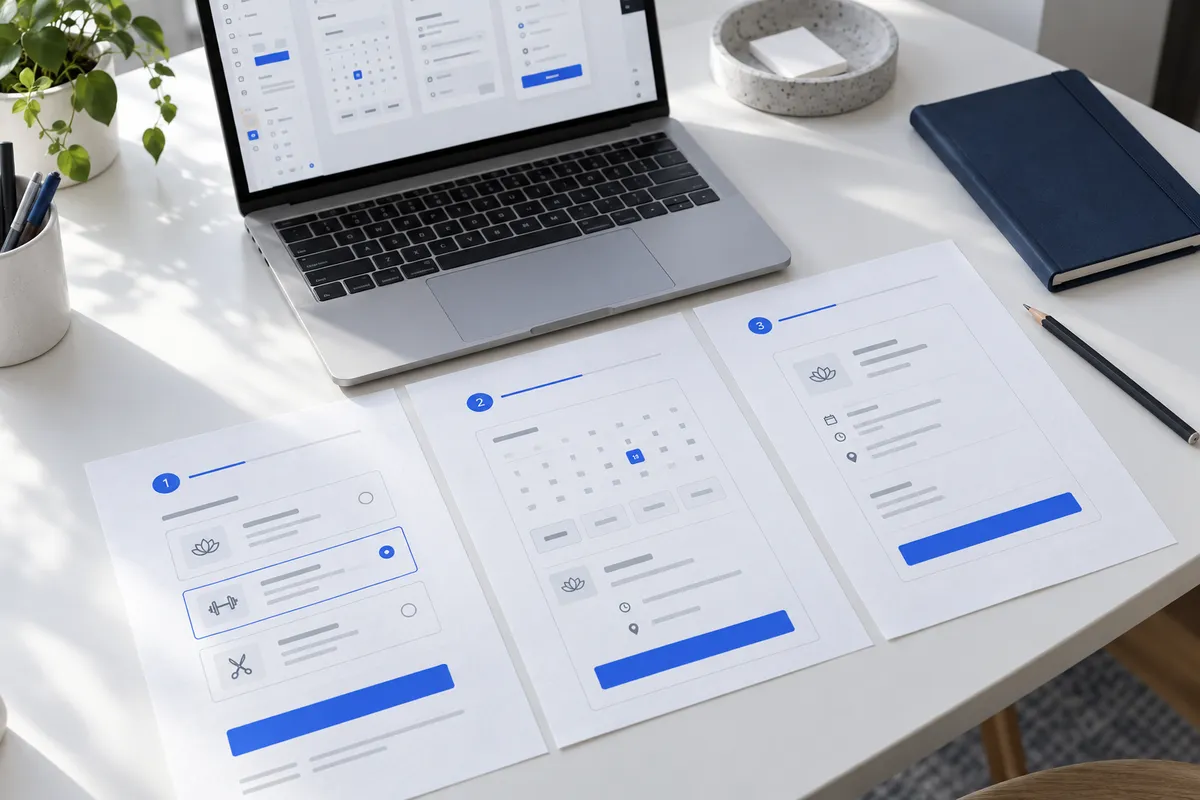
A starting point for discussion. Agree the final release boundaries during discovery.
Design one priority journey with realistic content, responsive layouts and the loading, empty and error states a person can encounter. Review a clickable prototype before preparing the agreed screens for development.
A broader component library, additional user roles and less frequent workflows can follow once the main journey has been reviewed with representative users.
For a service booking journey, compare choosing a service, finding a time and changing an appointment. Review the confirmation and recovery states alongside the first screen. A visually polished form still needs clear feedback when a slot becomes unavailable.
Ask for a clickable journey, reusable component states and annotated handoff notes. Review keyboard navigation, validation, empty states and responsive layouts before approving the design.
Ask how the interface behaves when there is no data, a task is incomplete or someone makes a mistake. Prototype those states, use realistic content and test important journeys with users. Document decisions in components your development team can actually reuse.
See the common operating problem, its likely cause, the business impact, and the control a custom ui/ux design build can introduce. These are planning examples; your priorities and acceptance criteria are confirmed during discovery.
Recognize one of these problems?
Build an indicative ui/ux design scope first. No email is required to see the range.
“A beautiful homepage attached to an unusable admin panel, because the internal screens were treated as an afterthought.”
Hardened end-to-end API orchestration with automatic webhook dispatch, audit logs, and zero manual touchpoints.
Select the modules, integrations, and delivery pace that fit your situation. See an indicative range first, or send your current workflow for a human review.
Illustrative planning only · Final scope, acceptance criteria, timing, and milestone pricing are confirmed in writing.
Start with the work your team needs to improve. Agree on the workflow, the people responsible and the checks that will show whether the new system is ready to use.
Every outcome is verified against production telemetry benchmarks established during discovery before full deployment.
A screen that matches the task needs less explaining. For internal software the saving shows up in onboarding new staff, not in a conversion metric.
Designed empty, loading and error states remove the "is it broken or still loading" question that generates most avoidable tickets.
Decisions made in wireframes are cheap. The same decisions made during development are expensive, and made during QA more so.
Each item below represents an engineered, verifiable deliverable—not vague marketing promises. Everything we build is deployed to your private infrastructure with container blueprints, documented runbooks, and zero vendor lock-in.
We map the jobs each role actually performs before drawing anything.
Structure and flow agreed in grey boxes, before visual decisions get expensive.
Type scale, colour, spacing and component styling applied consistently.
Default, hover, focus, loading, empty, error and success — not just the happy path.
Tokens and components documented so future screens stay consistent.
Specs, tokens and assets in a form a developer can build from without asking.
Choose a delivery tier, functional modules, integrations, and timeline to see an indicative range before discovery.
Explore the range without sharing your email. We confirm the final scope and price after reviewing your requirements.
Count a complete task, such as booking, invoicing or approving a request, as one workflow.
These selections travel with your brief. The range below is calculated from the tier, workflow count, connected systems and delivery pace.
This planning range uses the selected scope inputs. Final deliverables, exclusions, and milestone prices are confirmed in writing.
This does not place an order. We review the configuration and reply with the confirmed scope and milestone proposal.
Describe the workflow you are trying to fix and we will reply with the smallest build that solves it — including what we would leave out of phase one and why. If an off-the-shelf tool is the better answer for you, we will say so instead of quoting.
Delivery Roadmap
Who uses it, how often, and what they are trying to finish.
Wireframes and flows reviewed with you before visual work starts.
Screens built on a token system rather than one-off styling.
Files, tokens and specs transferred to you, with a walkthrough.
Scope Levers
Nothing here ships as a fixed package. Delivery opens with "Understand" — Who uses it, how often, and what they are trying to finish — and that is the step where the scope below gets decided with you.
6 areas make up this build. Which of them you need, how deep each goes, and what ships first is set per client — we customise the depth rather than charging for shelfware.
Where your team already has tooling, the build fits it instead of replacing it. These are the defaults we start from, swapped when your environment calls for something else.
There are limits to what we will bend, and they are listed under “when this is the wrong service to buy” below.
Concrete artefacts, source code, and configurations owned 100% by you on delivery.
Cases where we would tell you not to spend the money, or where a cheaper tool fits better.
Commercial Terms
No retainer minimums, no discovery fee, and no proposal that hides the price on page nine. These terms are the same for every project on this page.
Scope is priced before work starts and billed per completed milestone. No hourly meter and no invoice you did not see coming.
Repository, database and hosting accounts sit in your name from day one. Stopping work never costs you access to anything.
We sign first, then you send exports, screenshots or credentials. Nothing becomes a public case study without written approval.
You talk to the person writing the code, not an account manager relaying your requirements second-hand.
Direct Answers
Yes. Plenty of clients take the files to their own team. You own the source files either way, so you are not locked into us for the build.
When we also build it, yes, because the design system becomes the code. If another team builds it, that depends on them — which is why the handoff includes tokens and specs rather than flat images.
Yes, and it is usually the better path. We extend your existing colours and type into a system that works for dense application screens, which brand guidelines rarely cover.
Contrast, focus order and target sizes are part of the work. Full WCAG conformance needs manual testing with assistive technology and expert review, which we scope separately rather than claim by default.
Bangalore, India — design teams working across US, UK, UAE and Australian time zones.
Choose your next step
All three go to the same small team. None of them puts you on a mailing list.
Projects rarely stop at UI/UX Design. These are the adjacent capabilities most often folded into the same delivery plan.
Share your current operational bottleneck and target timeline. We reply within 24 hours with an architectural blueprint, scope range, and fixed milestone pricing.
Get a Fixed Quote